See Photo Voyager in Action
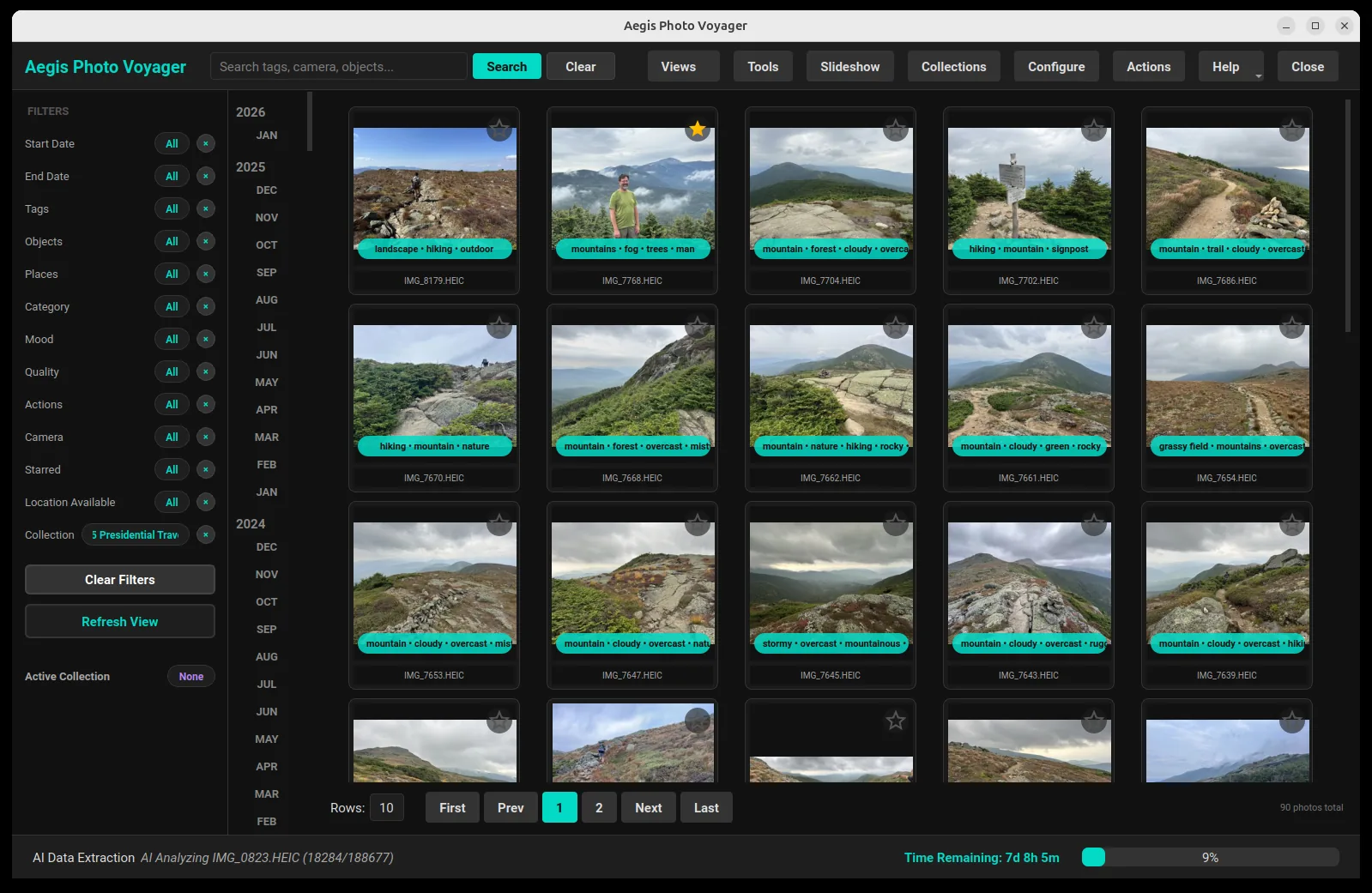
The privacy-first photo library that keeps your memories on your device. Search by meaning, recognize faces, map your travels and curate decades of photos — with AI that runs on your own hardware.
On-device image captioning and tagging via local vision LLM. Search for "dog in a park" without manual tags.
Faces are detected and grouped into people automatically. Name them once, merge duplicates by drag and drop, then browse anyone's photos in a click.
Connect the people in your library into generations. A dedicated canvas lays out couples and family lines so you can navigate decades of photos by relationship.
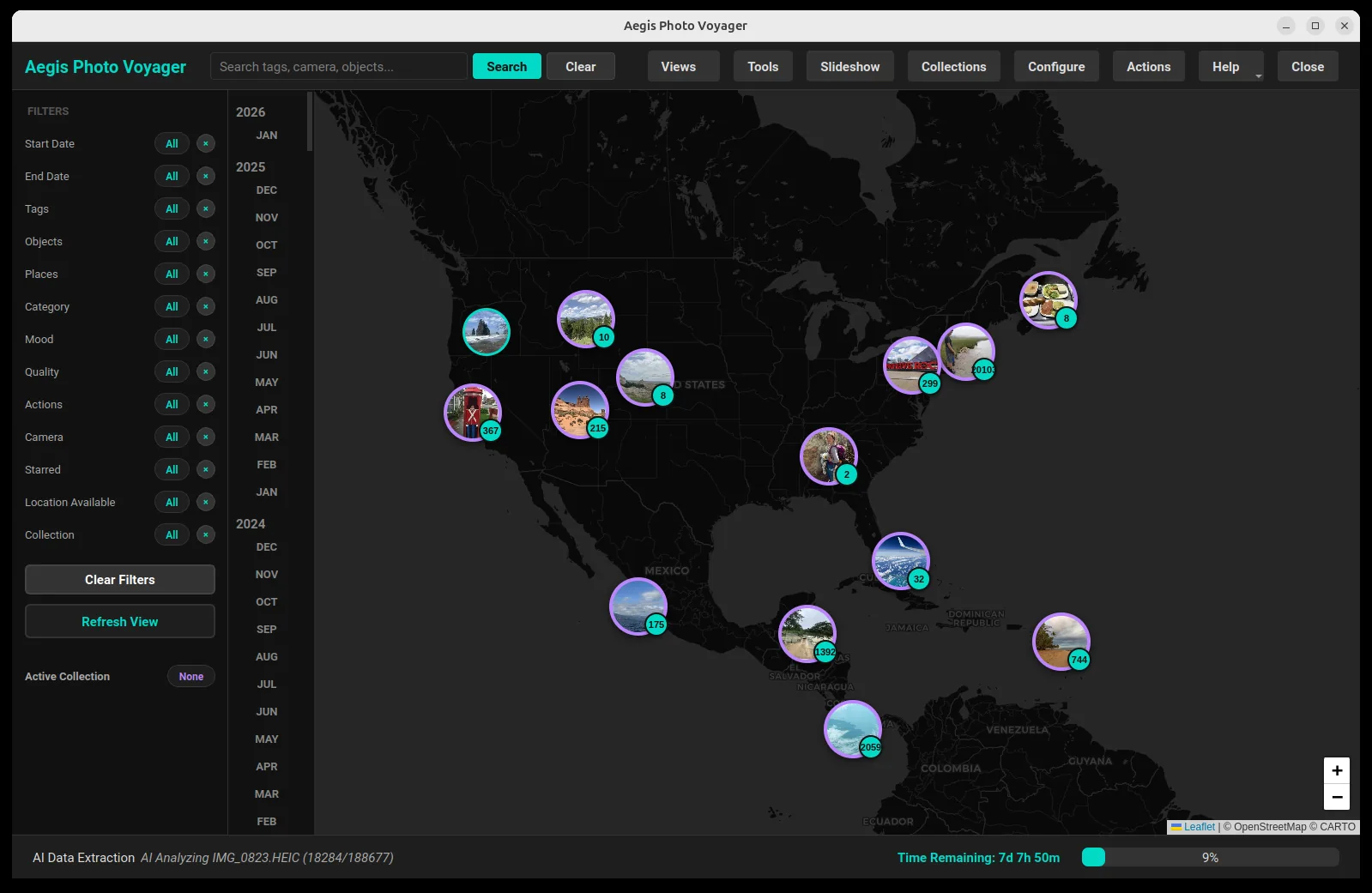
Visualize your travels on high-performance Leaflet maps. Explore photos by exact coordinates on a private map interface, and repair missing coordinates with the GPS Wizard.
Chronological anchoring using EXIF and filename patterns. Jump to any moment in decades of history instantly with the timeline rail or the immersive 3D tunnel.
Advanced perceptual hashing (pHash) to find near-duplicates and burst shots, freeing up valuable local storage.
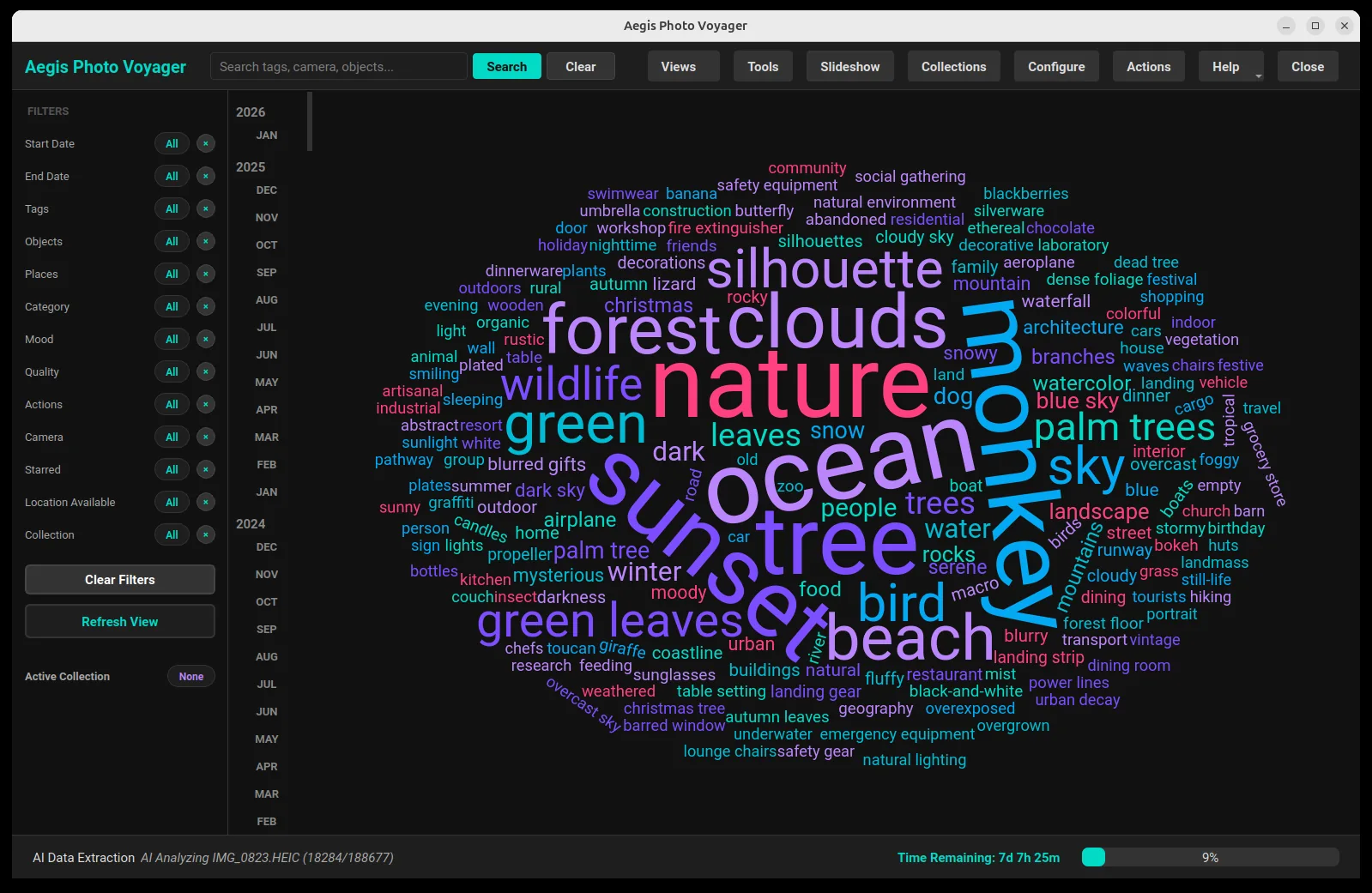
Deep visual insights into your library—camera usage, AI moods, quality assessments, tag word clouds, and a 3D point cloud of visually similar photos.
Slice your library by category, mood, actions, camera, rating, or spatial data with lightning-fast local queries — and combine any filter with keyword or semantic search.
Bring in photos from drives and SD cards, Google Takeout or Apple iCloud archives, and iPhone or Android devices over USB. Incremental imports skip what you already have.
Review incoming photos before they reach your library. Group near-duplicates visually, sort by sharpness, and approve only what you want to keep.
Clean up in bulk. Find photos below a size, resolution, quality score or date threshold, see the impact and disk space before you act, then review the thumbnails and remove them in one pass.
Group photos into travel journeys with date ranges, distance covered and a dedicated timeline, so a two-week trip reads as one story instead of 900 files.
Generate a self-contained photo website from any collection — seven themes, AI-written captions, optional password protection — or compile a print-ready collage.
Copy any selection to another drive in a dated folder hierarchy or a flat layout, with filename collisions resolved automatically and incremental runs that only copy what is new.
Optional backup to your own Google Drive account. Your catalog is encrypted with AES-256 on your machine, using a key derived from your password, before anything is transferred.
Perfect for families with tens of thousands of photos spread across decades. Organize them into a searchable, stable database with zero manual tagging effort.
Put names to the faces in scanned albums, connect them into generations, and hand the next generation a library that explains itself.
Document your worldwide adventures. Use the map view to relive your journey from city to city and discover forgotten spots through GPS-linked memories.
Photographers can quickly filter for best-quality shots, specific moods, or technical camera data across massive local archives without cloud latency.
Your photos never leave your machine. No cloud uploads, no tracking, and no external analysis. Total digital sovereignty.
Experience the full speed of your local SSD. Browse, search, and analyze images with zero network lag.
Own your software. We don't believe in charging you a monthly tax to access your own memories on your own device.
A WAL-mode SQLite catalog and background workers keep the interface responsive while hundreds of thousands of photos are indexed and analyzed.
Available for Linux (Snap or .deb), macOS and Windows. Installers bundle the AI libraries, so there are no missing dependencies to chase.
Run vision models through Ollama, LM Studio, vLLM, or an in-process CPU engine that needs no server at all. You pick the model, and you can edit the prompts it uses.
Install the app, point it at your photo folders, and let the local pipeline do the indexing. The getting started guide walks through the first hour.